
How Do I Create a Job Posting in Spanish?
Team Engine allows you to create job postings in Spanish and provide applicants with a Spanish-language application experience. You can set the application language when creating or editing a job. If you already have a job posting in English, you can copy it and update the content to Spanish.
Steps to Create a Job Posting in Spanish
- Open your job posting. Navigate to your jobs in Team Engine and either create a new job or select an existing job to edit.
- Set the application language. Find the Application Language setting and select Spanish.

- Translate the job details. If you're creating a Spanish version of an existing English job, copy the original job and translate the job title, description, licenses, and experience requirements into Spanish.
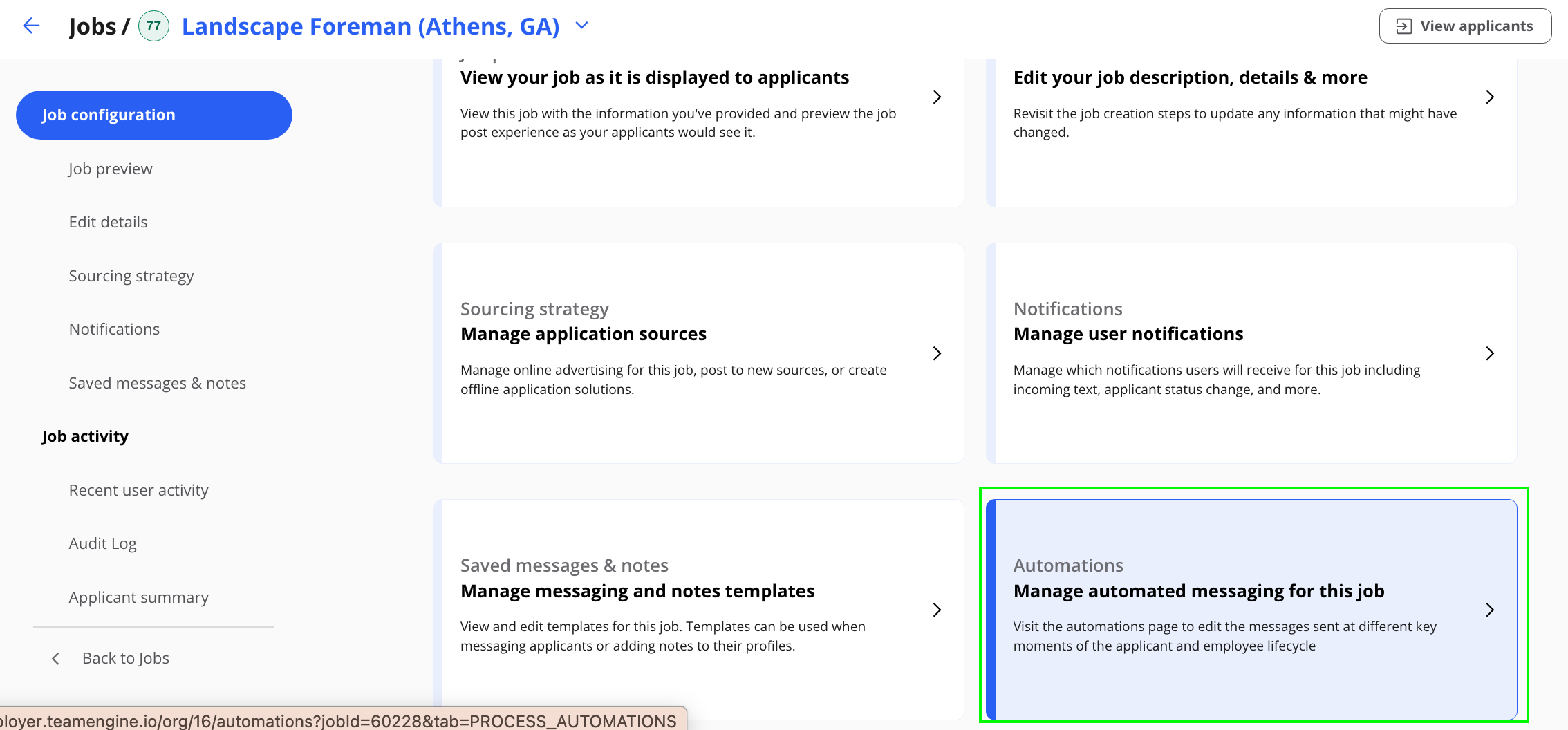
- Update hiring automations. Review the automated messages in the Hiring Process tab and update them to Spanish as needed.

- Save your changes. Review the job details and confirm that the application language is set to Spanish before saving or publishing the job.
Best practice: When posting an existing English job in Spanish, create a separate copy of the job so you can maintain both English and Spanish versions.