
How Do I Ask Employees for Referrals?
Whether or not you have an incentive program, your employees know the job well, want to be working with good people, and can be your best source for high-quality applicants. Team Engine makes asking for, gathering, and tracking referrals very simple and easy.
Steps to Ask for Referrals
- Make sure your Employee Directory is set up.
- Go to the Referrals tab.
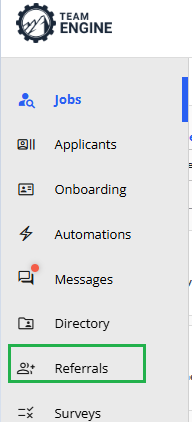
- Click Ask for referrals.

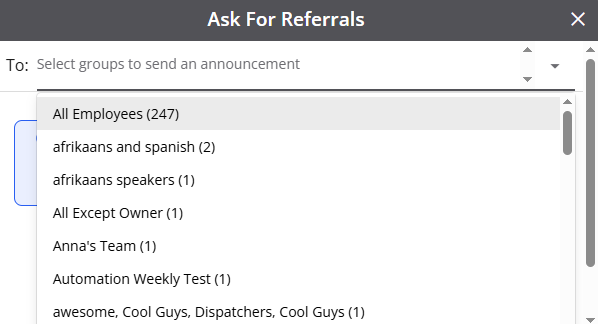
- Select the employees you want to contact.
- Customize your message (optional) to mention open positions or referral incentives.
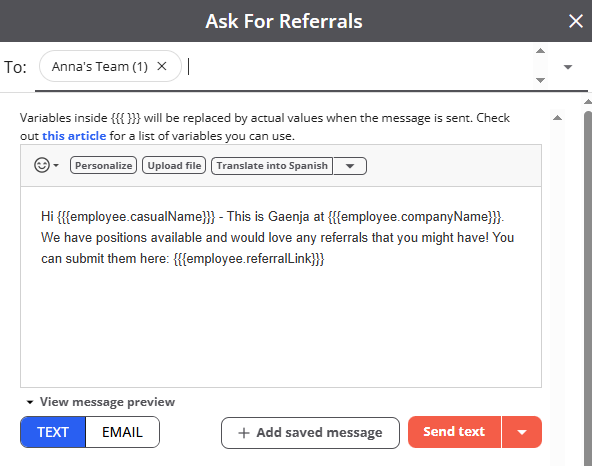
- Send your request.
You can send referral requests as a one-time message or include them in your employee engagement automations.